
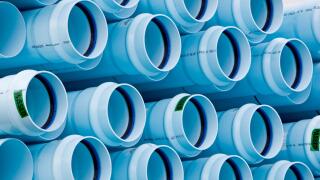
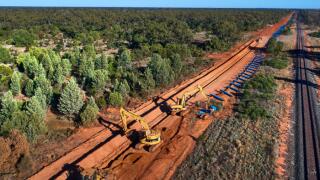

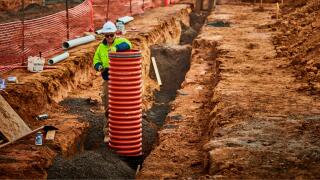
Iplex polypropylene (PP) sewage and drainage systems are a premium choice due to their strength, flexibility and corrosion resistance. The design of Iplex PP systems combines high-quality polypropylene with modern processes, creating durability in harsh environments. Iplex PP pipes offer excellent hydraulic capacity facilitating efficient flow and minimising the risk of deposit formation. The lightweight nature and joint integrity make Iplex PP systems a top choice for reliable sewage and drainage solutions.
EnquireProduct sub-systems
PP Drainage and Sewage Systems Explained
Iplex PP (Polypropylene) BlackMax and SewerMax drainage and sewage pipes and EziPit sewer structures are engineered for high performance in non-pressure applications, such as stormwater, wastewater and sewerage systems.
Made from polypropylene, these pipes offer durability, chemical and corrosion resistance and resistance to abrasion, making them suitable for naturally occurring ground conditions and environments. The smooth internal surface ensures optimal flow efficiency, while the lightweight yet robust design allows for easy handling and installation.
Iplex PP pipes are designed to withstand elevated temperatures and normal soil movements, reducing the risk of cracking or joint separation. The long service life, minimal maintenance needs, and cost-effectiveness make them a reliable solution for modern drainage and sewage infrastructure.

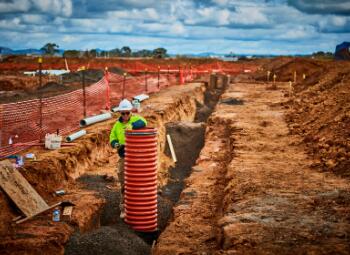
The latest on PP Drainage & Sewer Systems
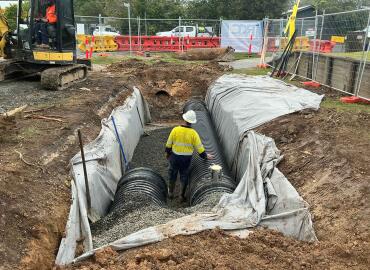
Byron Shire Council undertook an upgrade of the Station Street’s stormwater network to improve capacity and reliability.…
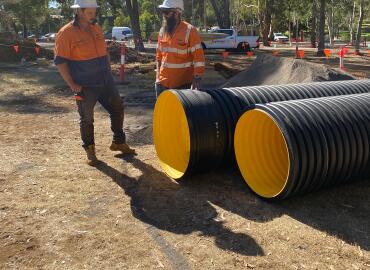
Keystone Civil, a contractor based in Geelong, requested DN750 BlackMax pipes to address several onsite installation cha…
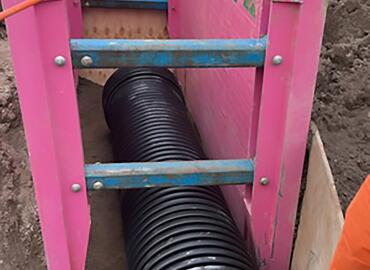
This project involved a major upgrade to deliver improved facilities at a project in Sydney’s Eastern Suburbs. Ward was …
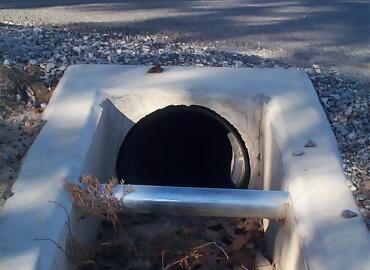
Discover how the City of Casey’s installation of DN300 BlackMax pipes at Hillcrest College, Clyde North, withstood over …
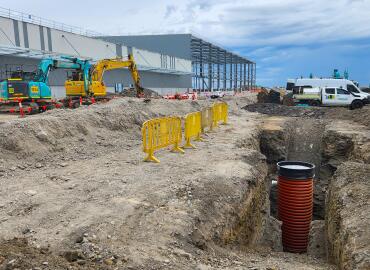
EziPit 1000 maintenance holes are being installed at the new Western Sydney International (Nancy-Bird Walton) Airport, l…
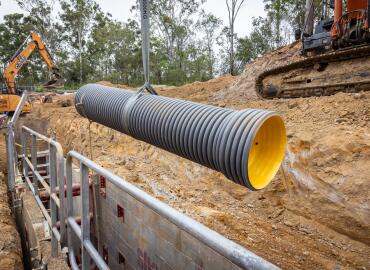
In the rapidly growing Flagstone community near Jimboomba, the development of essential infrastructure is paramount to s…
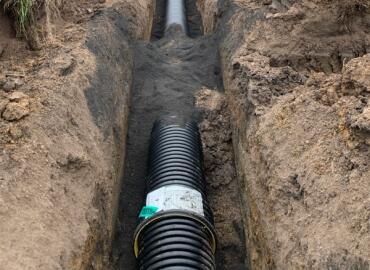
With a history of over 75 years, R Slater and Sons is renowned for generations of exceptional workmanship. The Armstrong…
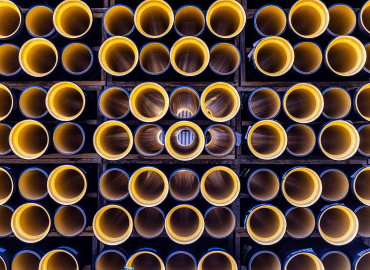
BlackMAX® Corrugated Plastic Pipe Leads the Way in Pipeline Innovation
When it comes to stormwater drainage pipes, steel…
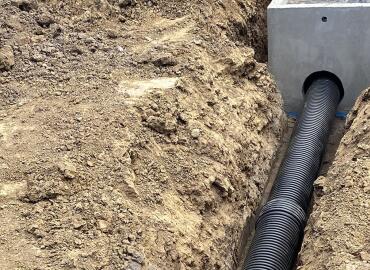
Situated just 11 kilometres from Geelong’s city centre, Armstrong Waterhaven in Mount Duneed stands as an acclaimed new …
Need help?
To speak with an Iplex sales & service team member
<!-- NOTE: Please add the following <META> element to your page <HEAD>. -->
<!-- If necessary, please modify the charset parameter to specify the -->
<!-- character set of your HTML page. -->
<!-- ---------------------------------------------------------------------- -->
<META HTTP-EQUIV="Content-type" CONTENT="text/html; charset=UTF-8">
<!-- ---------------------------------------------------------------------- -->
<!-- NOTE: Please add the following <FORM> element to your page. -->
<!-- ---------------------------------------------------------------------- -->
<form class="[ js-salesforce-form ]" action="https://webto.salesforce.com/servlet/servlet.WebToCase?encoding=UTF-8" method="POST">
<input type=hidden name='captcha_settings' value='{"keyname":"Toast","fallback":"true","orgId":"00D5i000009OHAY","ts":""}'>
<input type=hidden name="orgid" value="00D5i000009OHAY">
<input type=hidden name="retURL" value="http://">
<input type=hidden name="RecordTypeId" value="012N0000003OnNDIA0">
<input type=hidden name="subject" value="New Web Enquiry">
<input type=hidden name="Webform__c" value="Products">
<input type=hidden name="type" value="Product Enquiry">
<input type=hidden name="Origin" value="Web">
<input type=hidden name="Webform_Type__c" value="PP Drainage & Sewer Systems">
<input type=hidden name="Webform_Sub_Type__c" value="">
<input type=hidden name="Lead_Source_Web_Origin__c" value="">
<!-- ---------------------------------------------------------------------- -->
<!-- NOTE: These fields are optional debugging elements. Please uncomment -->
<!-- these lines if you wish to test in debug mode. -->
<input type="hidden" name="debug" value=1>
<input type="hidden" name="debugEmail"
value="[email protected]">
<!-- ---------------------------------------------------------------------- -->
<div class="salesforce-field half">
<label for="name"></label><input required id="name" maxlength="80" name="name" placeholder="First name" size="20" type="text" />
</div>
<div class="salesforce-field half">
<label for="name"</label><input required id="00N5i00000IoH6V" maxlength="255" name="00N5i00000IoH6V" placeholder="Last name" size="20" type="text" />
</div>
<div class="salesforce-field half">
<label for="email"></label><input required id="email" maxlength="80" name="email" placeholder="Email address" size="20" type="text" />
</div>
<div class="salesforce-field half">
<label for="phone"></label><input required id="phone" maxlength="40" name="phone" placeholder="Phone number" size="20" type="text" />
</div>
<div class="salesforce-field">
<label for="company"></label><input required id="company" maxlength="80" name="company" placeholder="Company" size="20" type="text" />
</div>
<div class="salesforce-field half">
<label></label><select id="00N5i00000IoH6N" name="00N5i00000IoH6N" title="Existing Customer">
<option value="" selected disabled>Are you an Iplex account holder?</option>
<option value="Yes">Yes</option>
<option value="No">No</option>
</select>
</div>
<div class="salesforce-field half">
<label></label><input id="00N5i00000IoH6M" maxlength="255" name="00N5i00000IoH6M" placeholder="Iplex account number" size="20" type="text" />
</div>
<div class="salesforce-field half">
<label></label><select required id="00N5i00000IoH6U" name="00N5i00000IoH6U" title="State">
<option value="" selected disabled>Select your state</option>
<option value="Australian Capital Territory">Australian Capital Territory</option>
<option value="New South Wales">New South Wales</option>
<option value="Northern Territory">Northern Territory</option>
<option value="Queensland">Queensland</option>
<option value="South Australia">South Australia</option>
<option value="Victoria">Victoria</option>
<option value="Western Australia">Western Australia</option>
<option value="Tasmania">Tasmania</option>
</select>
</div>
<div class="salesforce-field half">
<label></label><select required id="00N5i00000IoH6Q" name="00N5i00000IoH6Q" title="Market">
<option value="" selected disabled>Select your market</option>
<option value="Electrical">Electrical</option>
<option value="Plumbing">Plumbing</option>
<option value="Irrigation">Irrigation</option>
<option value="Civil, Mining and Telco">Civil, Mining and Telco</option>
<option value="Gas">Gas</option>
</select>
</div>
<div class="salesforce-field">
<label for="description"></label><textarea name="description" placeholder="Type your message here"></textarea>
</div>
<div class="g-recaptcha" data-sitekey="6Lfmy90UAAAAAKAyCxbgVN6SShPhRGT0W1RxDUwT"></div><div class="js-salesforce-form-message"></div> <input type="submit" name="submit">
</form>
<script>
function joinSelection(sourceSelector, destinationId) {
var sources = document.querySelectorAll(sourceSelector);
var values = [];
sources.forEach(function (source) {
if (source.checked) {
values.push(source.value);
}
});
document.getElementById(destinationId).value = values.join(', ');
}
</script>
<script src="https://www.google.com/recaptcha/api.js"></script>